
Ph.D. Thesis Submission Process through ERP after completion of Draft thesis reviewed by the DAC member.
For Students
- 1. The Name & ID No in all the documents should be as per the ERP Record.
- 2. Thesis & Synopsis Should be as per the given below Image.
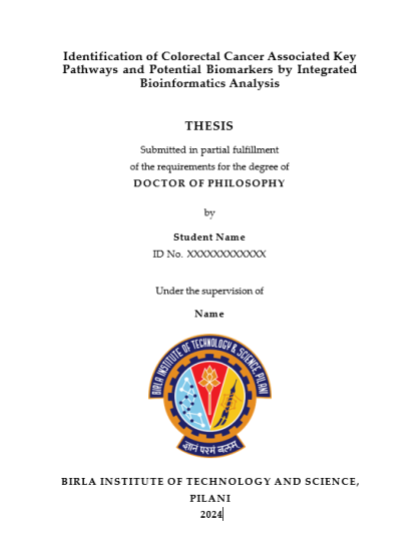

- 3. List of Publication & references should be added in synopsis.
- 4. Upload all the documents in ERP as per the checklist given below
- 1. Thesis
- 2.Synopsis
- 3. Two DAC member reports
- 4. Pre-submission presentation notice collected by DRC
- 5. Thesis submission Fee Receipt
- 6. Supervisor Concern Form
- 7. Turnitin Report
- 8. Thesis Form I & Thesis Form II
For Supervisor.
- 1. Please verify all the documents
- 2. Get Approval of Examiner List from DRC.
- 3. Once Examiner List is approved by the DRC upload all the Examiner details in ERP.
- 4. Signed documents of Examiner list by DRC & send it to DRC Convener.
For DRC Convenor.
- 1. Please verify all the documents
- 2. Upload the Signed Documents of Examiner List in ERP & Approve.
For DRC Convenor.
- 1. Please verify all the documents
- 2. Upload the Signed Documents of Examiner List in ERP & Approve.
For HoD.
- 1. Please verify all the documents
- 2. Approve.